Login process
The standard login and account activation process is a secure and streamlined experience, similar to the two-step login flows across major online platforms.
The system supports integration with external Identity Providers (IDPs) and can automatically redirect users for single sign-on (SSO) or MFA. This makes it easier for organizations to manage user access through their existing identity solutions.
To login to a market place
-
Navigate to the marketplace login page.
-
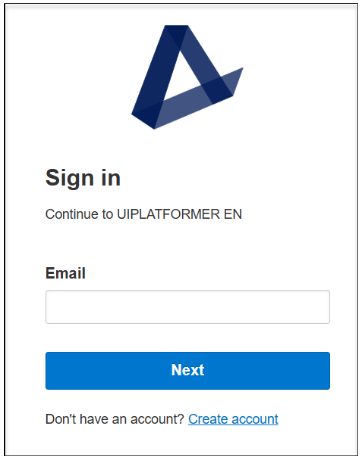
Enter your registered email address in the Email field and click Next.
-
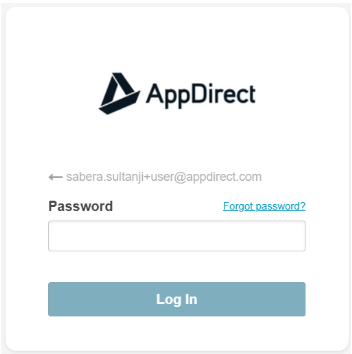
Enter your password and click Log In. If two-factor authentication (2FA) is active for your account, you will be prompted for a second verification step (e.g., a code from an authenticator app, an SMS message, a push notification, or DUO). For more information on 2FA, see Improved Multi-Factor Authentication (MFA) for Marketplace Access
Upon successful verification of your email, password, and 2FA (if applicable), you will be redirected to your marketplace dashboard.
Reset password
You can reset your password if you have forgotten it.
To reset your password
- On the login page, enter your registered email address in the Email field and click Next.
- Click Forgot Password? link above the password field.
The Forgot Password dialog box appears.
- Click Reset Password.
- An email with the link to reset your password is sent. Click Reset Password in the email.
- The Reset your password dialog box appears, provide your new password in the New Password field.
The password must satisfy the following requirements:- Must contain minimum of 8 characters
- Must contain a letter
- Must contain at least one number or symbol
- Must not match your user name
- Click Reset Password.
📝 Note: The new password should not be the same as your current password. Your market place dashboard appears.
Was this page helpful?
Tell us more…
Help us improve our content. Responses are anonymous.
Thanks
We appreciate your feedback!